
Finding a reliable mini monitor for custom electronic projects, hardware tracking, or compact PC setups can be challenging. Many budget screens suffer from severe colour distortion, input latency, or confusing driver setups. Therefore, choosing the right display requires careful evaluation of technical capabilities. This comprehensive 7 Inch Monitor Review examines screen clarity, board variations, touch responsiveness, and overall value to help you make an informed decision.
Affiliate Disclosure: This post contains affiliate links. If you click through and make a purchase, we may earn a small commission at no extra cost to you. Consequently, we only recommend products we genuinely test and trust.
📋Quick Verdict & Star Rating
- Product Name: 7 Inch Raspberry Pi Capacitive Touchscreen Monitor
- Primary Focus: PC Case Sensor Panel, Raspberry Pi Projects & Compact Dual-Display Setup
- Overall Rating: 4.6 / 5.0 ⭐⭐⭐⭐⭐ (Based on 990+ Verified Buyer Reviews)
- Best For: DIY builders, Raspberry Pi enthusiasts, and PC gamers needing a live hardware telemetry screen
- Quick Summary: A highly versatile, drive-free mini monitor that features plug-and-play HDMI connectivity and crisp 1024×600 resolution. Consequently, it delivers smooth touch response and sharp system tracking without complicated software setups.
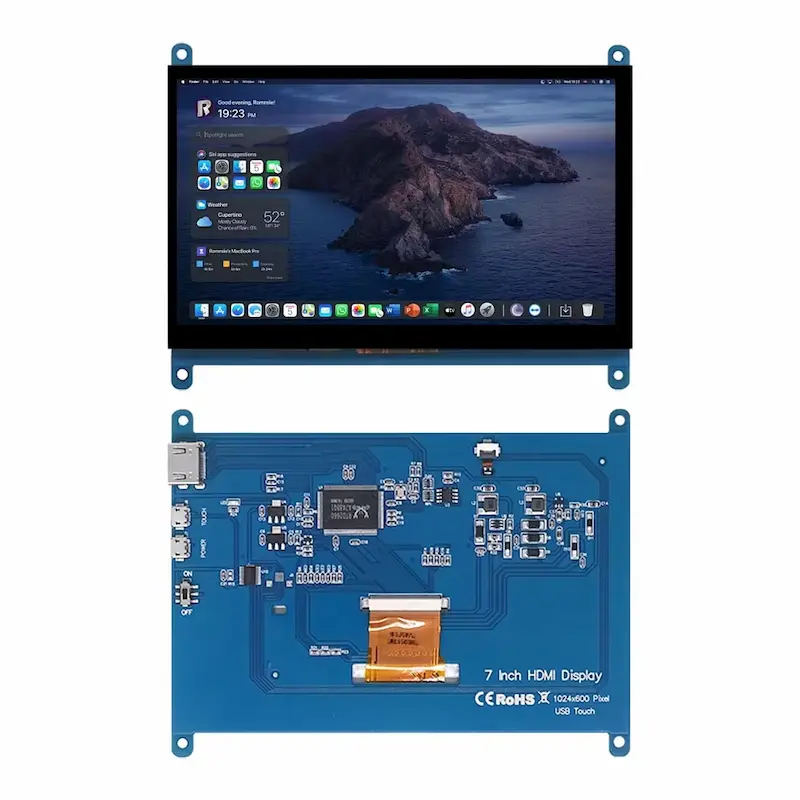
Technical Specifications of the 7-Inch Display
| Specification Feature | Technical Details |
| Screen Dimensions | 7 Inches (Diagonal Display) |
| Native Resolution | 1024 x 600 Pixels |
| Panel Technology | TN Panel / IPS Wide-Angle Panel |
| Touch Interface | 5-Point Capacitive Touchscreen (Select Models) |
| Signal Input | Standard HDMI Interface |
| Power Supply | Micro USB (5V Input) |
| Board Compatibility | Raspberry Pi 4, 3, 2, B, B+, A+, Windows 7/8/10 |
| Driver Requirement | Driver-Free (Plug and Play Operation) |
Unboxing and Box Contents
When you unpack the delivery box, you receive all essential hardware items required to mount and power the display immediately. Furthermore, the manufacturer packs the delicate circuit board in anti-static protective wrapping.
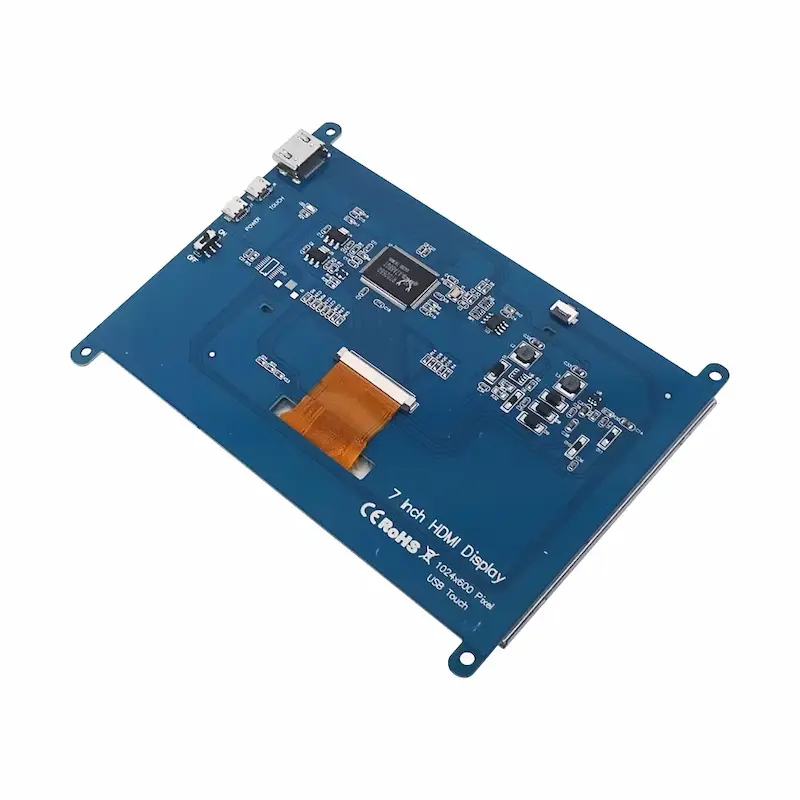
- 7 Inch Mini Display Main PCB Assembly
- High-Speed Dual HDMI Interface Cable
- Micro USB Power and Touch Data Cable
- Set of Brass Standoffs with Screws for Direct Mounting
7-Inch Monitor Review: Performance and Feature Testing
Screen Clarity and Resolution Standards
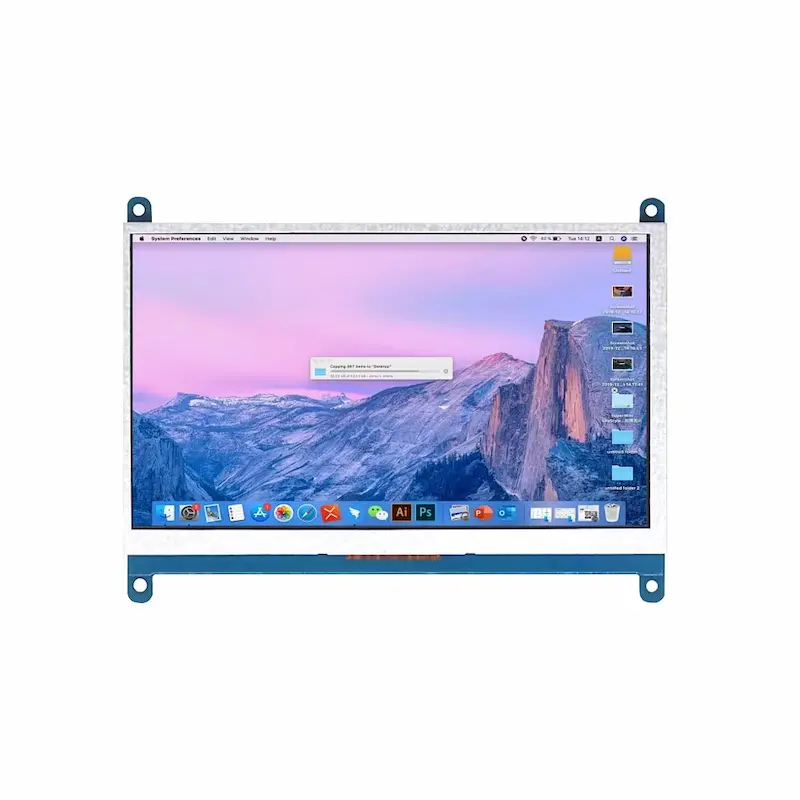
This compact monitor offers a sharp 1024 X 600 native resolution that keeps small system text crisp. During practical desktop tests, monitoring dashboards, system code, and hardware temperature gauges remained fully readable. Consequently, users do not need to rely on awkward system scaling settings.
In addition, if you are planning a complete workspace overhaul alongside daily accessories like a Silicone Apple Watch Band Review: Is It Worth Buying?, adding a dedicated mini monitor keeps primary displays clean during complex tasks.
Touchscreen Performance on the Mini HDMI Monitor
The capacitive touchscreen configuration delivers smooth multi-touch control through a single USB cable connection. When you plug the HDMI cable for video and the USB cable into a PC running Windows 10 or a Raspberry Pi, the system detects touch inputs instantly. As a result, tap gestures, scrolling actions, and virtual key inputs register without delay.
Moreover, gamers and system builders who customise high-performance rigs with gear like a Lightweight RGB Gaming Mouse Review: Is It Worth Buying? can easily place this compact monitor inside a computer chassis as a dedicated live telemetry dashboard.
In-Depth Analysis in This 7-Inch Monitor Review
To provide a complete 7 Inch Monitor Review, we thoroughly evaluated both the TN and IPS panel variants across various lighting environments. However, performance differs significantly depending on the panel type you select. The IPS variant offers wide 178-degree viewing angles, which preserve colour accuracy even when viewed from extreme side angles. On the other hand, the TN panel option provides a budget-friendly alternative for direct front-facing setups, although side viewing angles display slight contrast shifts.
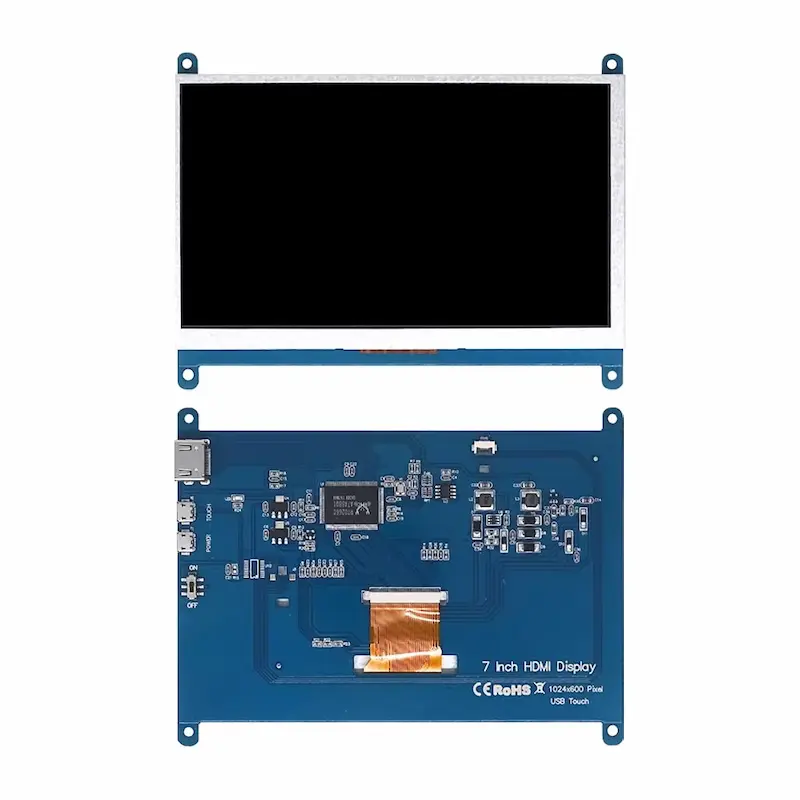
Furthermore, the rear circuit board features pre-drilled mounting holes that match standard Raspberry Pi board layouts. Because of this smart mechanical layout, you can attach single-board computers directly onto the back PCB. As a result, you get a clean, compact unit for retro gaming rigs or portable test stations.
Model Variants Breakdown for the 7-Inch Monitor
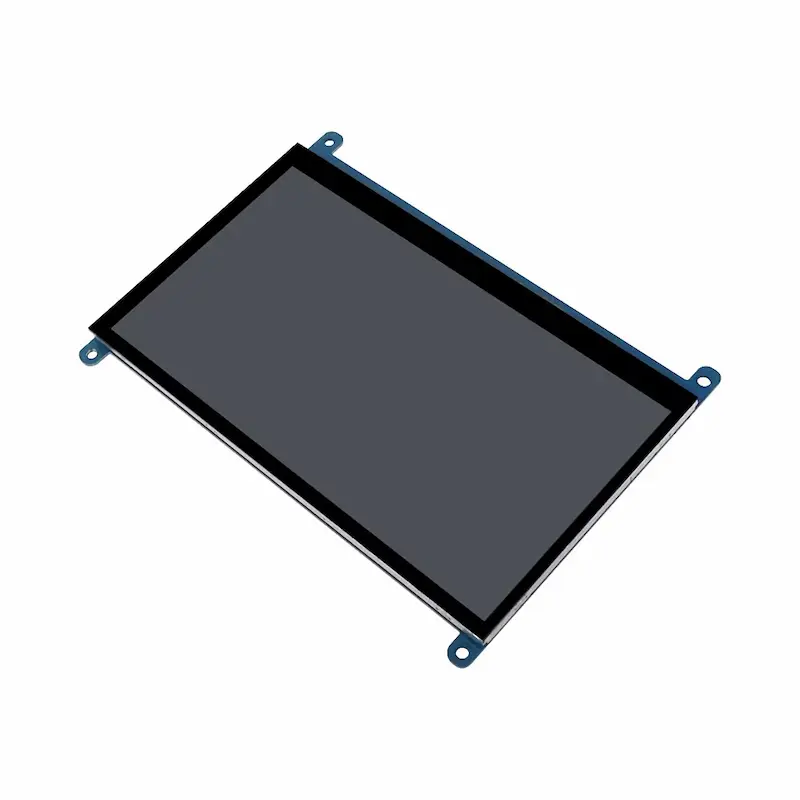
This display series includes seven unique hardware configurations designed for different budget levels and installation requirements:
- TN Non-Touch LCD: The basic model featuring a standard TN panel designed strictly for display output without touch input controls.
- TN Non-Touch-Cable: Standard TN screen package that includes extended display and power cabling for flexible desktop mounting.
- TN Touch LCD: Combines an economical TN panel with 5-point capacitive touch functionality for interactive menus and control panels.
- TN Touch LCD-Cable: TN touchscreen kit supplied with extra connectivity cables to simplify wiring inside custom enclosures.
- IPS Non-Touch LCD: An upgraded display board featuring an IPS panel for superior colour rendition and wide viewing angles without touch features.
- IPS Non-Touch-Cable: IPS non-touch display package supplied with extra connection cables for chassis integration.
- IPS Touch LCD / IPS Touch LCD-Cable: The complete flagship model combining vivid IPS viewing angles, responsive 5-point capacitive touch control, and complete wiring hardware.
Comparison with Market Competitors
| Feature Metric | 7 Inch Pi Display | Generic 5-Inch Screen | Standard 10.1-Inch Portable Screen |
| Native Resolution | 1024 x 600 Pixels | 800 x 480 Pixels | 1920 x 1080 Pixels |
| Installation Method | Driver-Free HDMI Setup | Manual Driver Configuration | Driver-Free Type-C / HDMI |
| Form Factor | Open Frame PCB Board | Open Frame PCB Board | Fully Enclosed Enclosure |
| Primary Use Case | DIY Projects & Sensor Panels | Compact Retro Handhelds | Desktop Secondary Monitor |
Pros and Cons of the 7-Inch Monitor Review
Pros
- Instant drive-free installation without downloading extra software.
- Clear 1024 X 600 resolution with sharp text readability.
- Broad system compatibility across Windows PCs, Raspberry Pi models, and single-board computers.
- Precise 5-point capacitive touch recognition on touch-enabled models.
- Convenient direct mounting standoffs for Raspberry Pi boards.
Cons
- Open PCB backplate requires careful handling during installation.
- TN panel models experience minor colour shift when viewed from side angles.
Buyer’s Guide: Who Needs This Raspberry Pi Display?
This mini monitor suits specific technical applications:
- DIY Builders and Makers: Ideal for Raspberry Pi projects, smart home dashboards, 3D printer interfaces, and custom controller setups.
- PC Enthusiasts: Perfect for mounting inside PC cases as a live telemetry dashboard for monitoring CPU temperatures, GPU metrics, and fan speeds.
- Workstation Users: A convenient auxiliary monitor for managing streaming chats, music players, or server status logs.
Final Summary of Our 7-Inch Monitor Review
To conclude this 7 Inch Monitor Review, this mini display provides exceptional utility, versatile model choices, and reliable HDMI operation. Whether you choose the budget TN non-touch model or the feature-packed IPS touchscreen variant, it remains an outstanding choice for DIY electronics and PC hardware tracking in 2026.